










Alina Kim


I liked adding album details and audio notes for relatives who could identify people in old prints. The automatic rotation was useful, and colorization was fun on black-and-white shots. Storage adds up fast when you scan in batches.
Photomyne is a scanning app for turning printed photos, slides, negatives, and other keepsakes into a digital archive.
People archiving family photos and old albums.
Multi-photo scanning
Subscription
No ads
Scanning needs camera access and saves restored images to your photo library.
4.3/5
Photomyne is a scanning app for turning printed photos, slides, negatives, and other keepsakes into a digital archive.
It is built for people who want to digitize family memories in batches, clean them up quickly, and store them in an organized library instead of treating each scan as a one-off job.
The free trial is a preview of the service, while unlimited scanning requires a membership; this is a subscription product for people with a real archive to digitize.
 Core features
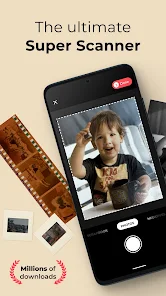
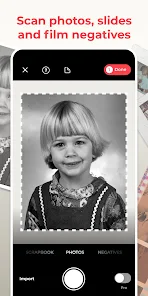
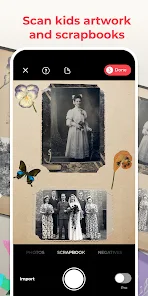
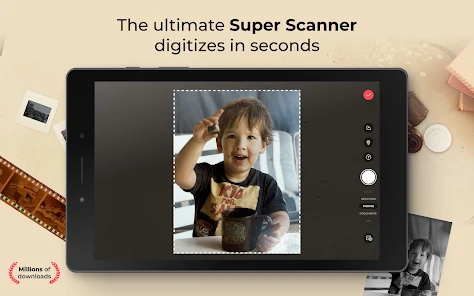
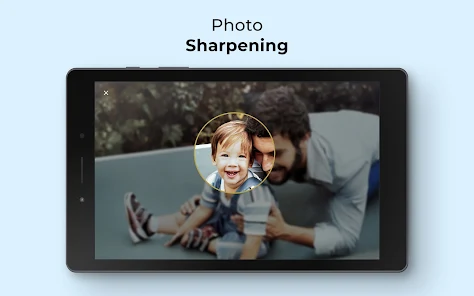
 Multi-photo scanning: Lets you capture several physical photos in a single shot and process them together.Expanded media support: Scans not only printed photos but also slides, negatives, documents, notes, and scrapbooks.Automatic cleanup: Detects boundaries, rotates images, crops edges, and restores colors automatically.Archiving tools: Adds album details, audio notes, colorization, and sharpening tools for organizing memories.
 Pros and cons
 Pros
Pros Cons
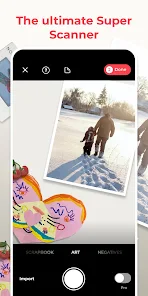
ConsThe app supports printed photos, slides, negatives, documents, notes, kids’ art, recipes, scrapbooks, and similar keepsakes.
Yes. The official site says you can try it free for three days before the yearly plan begins.
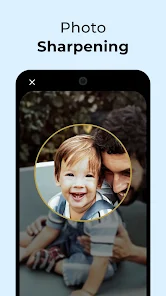
Yes. It can auto-detect borders, rotate images, restore colors, colorize black-and-white photos, and sharpen blurry faces.
People who plan to scan a lot of old photos or want an ongoing archival workflow usually get the most value from the subscription.



| App | Rating | Core feature | Pricing | Supported platforms |
|---|---|---|---|---|
| Photo Scan App by Photomyne | ★ 4.3 | Multi-photo scanning | Subscription | Android, iOS |
| VSCO: Photo & Video Editor | ★ 3.6 | Presets and filters | Free; optional VSCO membership | Android |
| AI Video - AI Video Generator | ★ 4.5 | Text-to-video generation | Freemium | Android |
Photomyne is a strong archival scanning app with a clear subscription model and a useful free trial.
Choose it if you want to digitize a meaningful photo archive and can justify a recurring plan; skip it if you only need an occasional scanner.
Toolonline Editorial · 2026-07-23
How people use Photo Scan App by Photomyne in everyday life
5 reviews
I liked adding album details and audio notes for relatives who could identify people in old prints. The automatic rotation was useful, and colorization was fun on black-and-white shots. Storage adds up fast when you scan in batches.
I scanned two 1980s album pages at once and the app separated the photos surprisingly well. I only had to fix a few crops where the prints overlapped.
Good results when the original photo is clear and well lit. Negatives and scrapbook pages took more patience than I expected, and the trial felt more like a preview than a long-term workflow. Serious archiving still needs careful checking.
Photomyne helped me digitize a stack of family photos without scanning each one separately. The multi-photo capture and automatic cropping saved a lot of tapping. I still reviewed the edges because old album pages can confuse the cleanup.
Scanning several old photos at once saved me a lot of time.
 Write a review