

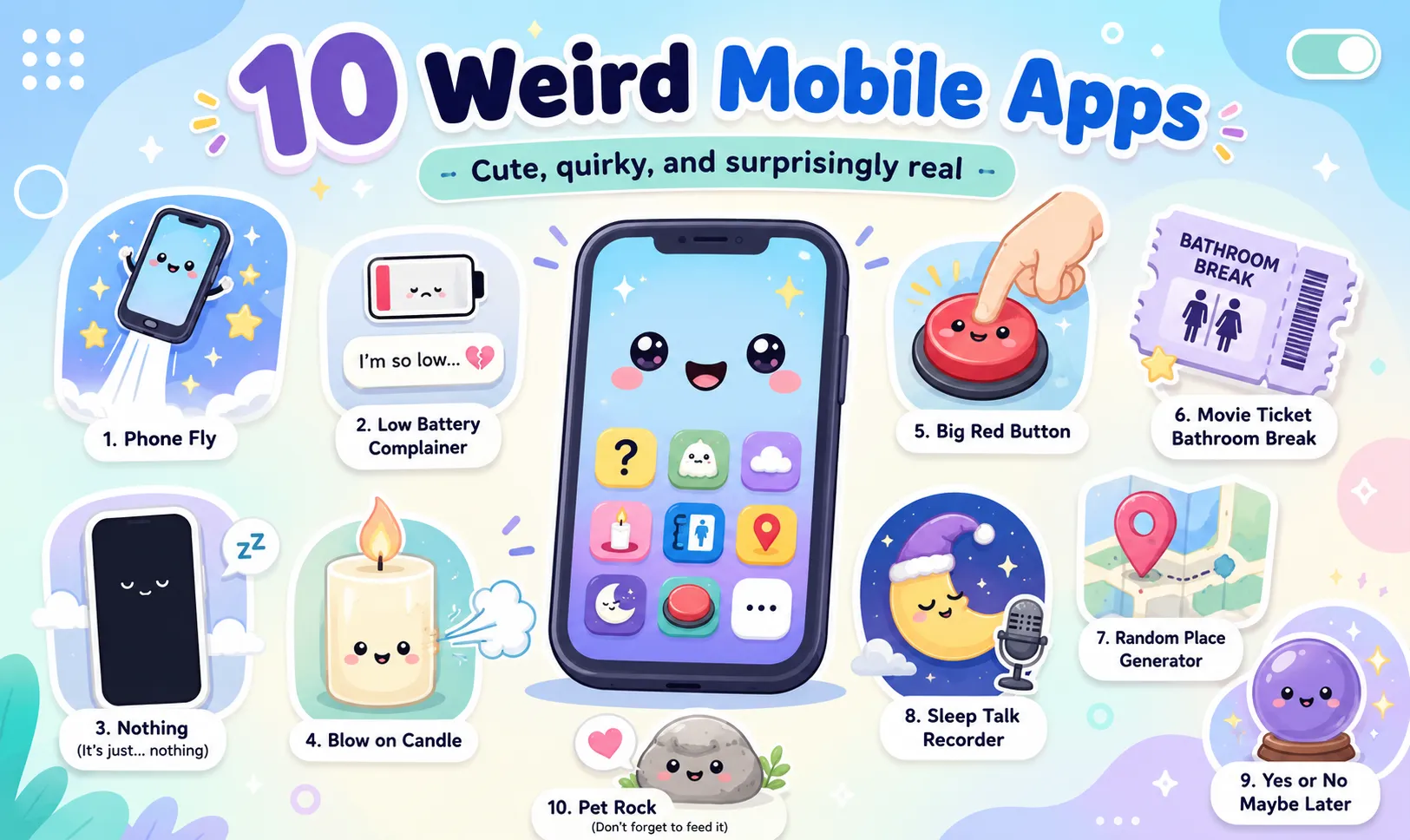
10 Weird and Fascinating Mobile Apps You Won’t Believe Actually Exist
Most mobile apps are built to solve familiar problems. We use them to communicate, shop, navigate, manage money, edit photos, or organize our daily lives.
But not every developer wants to build another messaging app or productivity tool.
Some apps turn your phone into a fake glass of beer. Others only work when your battery is about to die. One asks you to throw your phone into the air, while another tells you the best moment to leave a movie for a bathroom break.
These apps may sound pointless, risky, or completely absurd—but many of them are also clever demonstrations of how developers can use smartphone sensors, speakers, location services, battery data, and touchscreens in unexpected ways.
Here are 10 of the strangest and most fascinating mobile apps that actually exist.
A quick safety note: Availability may vary by platform and country. Before installing an unfamiliar app, review its permissions, privacy information, recent updates, and user reviews. Never risk damaging your phone—or yourself—just to test a novelty feature.
1. S.M.T.H. — Send Me to Heaven
S.M.T.H., short for Send Me to Heaven, may be one of the most stressful mobile games ever created.
The objective is simple: throw your phone as high into the air as possible and catch it before it hits the ground.
The app measures how high the phone travels and uploads the score to daily, weekly, local, and global leaderboards. Unlike a normal sports game, the expensive object being thrown is the device running the game.
The official description contains repeated safety warnings, noting that throwing a smartphone can damage the device, surrounding property, or nearby people. It also explains that phone rotation and differences between device sensors can affect the result.
Why it is fascinating
S.M.T.H. transforms accelerometer and motion-sensor data into a real-world competitive game. Instead of controlling something on the screen, the smartphone itself becomes the sporting equipment.
Why you probably should not try it
A high score is unlikely to cover the cost of a broken screen.
2. Die With Me
Most chat apps want users to stay connected for as long as possible. Die With Me does the opposite.
The app is designed for people whose phone batteries are critically low. Users enter a shared chatroom while their devices approach shutdown, creating temporary conversations between strangers who are all facing the same digital emergency.
As the remaining battery disappears, so does the conversation.
The App Store listing describes it as a low-battery conversation app, with access traditionally linked to extremely low battery levels.
Why it is fascinating
Die With Me turns one of the most frustrating smartphone experiences—low-battery anxiety—into a short-lived social event.
The concept also creates natural scarcity. Users cannot simply stay in the chatroom all day unless they deliberately keep their phones close to empty.
The strangely poetic part
Every conversation has a visible ending, even when nobody chooses to leave.
3. The Nothing App
An app called Nothing sounds as though it should display an empty screen and do absolutely nothing.
The current version is more deceptive than that.
Behind its minimalist interface is a satirical puzzle experience containing hidden technology-themed Easter eggs. It makes fun of advertising, complicated onboarding, reward systems, monetization, and the expectation that every app must constantly demand attention.
The Google Play listing describes it as a puzzle, parody, and meditation disguised as an app that does “almost nothing.”
Why it is fascinating
Nothing uses absence as its central interface.
Instead of showing users what to press, collect, or buy, it encourages experimentation. The joke is that an app appearing to contain nothing may require more curiosity than an app filled with obvious buttons.
What it says about modern apps
Sometimes the strangest feature an app can offer is silence.
4. Blower
Can a smartphone blow out a candle?
Blower is a novelty app that uses sound from an iPhone or iPad speaker to produce a small airflow effect. Its App Store description claims that users can move flames, make them react to music, or attempt to blow out a candle.
The developer recommends using maximum volume, keeping the speaker opening unobstructed, and tuning the effect for the device. The listing also explicitly warns users not to burn their phones while trying it.
Why it is fascinating
Phone speakers are designed to move air in order to create sound. Blower turns that physical movement into a visual party trick.
The effect is less like having a real fan inside the phone and more like cleverly exaggerating an existing hardware behavior.
Safety reminder
Phones and open flames are not a sensible combination. Treat it as a demonstration, not a reason to hold your device over a burning candle.
5. RunPee
Long movies create a difficult choice: stay in your seat while uncomfortable, or leave and risk missing the most important scene.
RunPee was created to solve exactly that problem.
For supported movies, the app identifies carefully selected bathroom-break windows. Each “Peetime” includes:
-
A recognizable scene or dialogue cue
-
The approximate length of the break
-
A hidden summary of what happens while you are away
-
A vibration shortly before the break begins
RunPee also tells users whether a movie contains scenes during or after the credits. According to its App Store listing, these break times are selected by people rather than automatically generated by AI.
Why it is fascinating
RunPee solves an extremely specific problem that most people never imagine could support an entire app.
It is also an example of valuable human curation. Choosing a safe moment to leave a film requires understanding the story, not simply detecting quiet scenes.
Who may find it useful
It can be particularly helpful during long films, for people with medical needs, or for anyone who purchased the largest possible cinema drink.
6. Poop Map
Many apps allow users to record where they have travelled, eaten, exercised, or taken photographs.
Poop Map records something rather different.
The app lets users mark locations where they have used the bathroom. They can build a personal map, follow friends, share selected locations, receive updates, and react to entries in a social feed.
Its Google Play description presents the experience as a strange form of territory collection: users can gradually cover homes, offices, travel destinations, and other visited places.
Why it is fascinating
Poop Map combines location tracking, social networking, personal statistics, and bathroom humor.
From an engineering perspective, it is structurally similar to a travel diary or location-based fitness app. Only the recorded activity is different.
The unexpected appeal
It turns a private and normally unrecorded activity into a long-term map of where someone has been.
7. Randonautica
Most navigation apps ask where you want to go.
Randonautica gives you a location without asking.
The app generates random coordinates and encourages users to visit them as a form of real-world exploration. The idea is to break normal routines and discover unfamiliar locations near places users already know.
Its App Store description presents it as a randomly generated adventure experience that can encourage walking, exploration, awareness, and unexpected discoveries.
Why it is fascinating
Randonautica reverses the normal relationship between a user and a map.
Instead of using technology to reach a planned destination, the user allows technology to select the destination.
Use it responsibly
Random does not mean safe or publicly accessible. Users should avoid private property, dangerous terrain, isolated areas, roads, construction sites, and nighttime exploration.
8. iBeer
One of the earliest viral smartphone tricks turned the screen into a virtual glass of beer.
iBeer displays an animated drink that moves as the user tilts the phone. Shake the device and foam appears. Tilt it toward your mouth and the virtual liquid seems to disappear as though you are drinking it.
The App Store listing says the effect uses motion-responsive liquid animation and includes additional virtual beverages and social features. The developer reports that the app became a major early mobile novelty hit.
Why it is fascinating
iBeer demonstrated how a smartphone’s motion sensors could make on-screen objects feel physically connected to the device.
The concept is simple, but it was especially effective when smartphones and motion-controlled screens still felt new.
What it influenced
Apps like iBeer helped establish the phone as more than a small computer. It could also function as a prop, toy, illusion, and party trick.
9. Sleep Talk Recorder
Many people have been told that they talk, laugh, or make strange sounds in their sleep. Few know exactly what they say.
Sleep Talk Recorder listens during the night and activates when it detects relevant sounds. Instead of forcing users to review an entire eight-hour audio recording, it attempts to capture shorter moments containing speech, snoring, or other noises.
The app organizes recordings on a timeline and provides sensitivity and sound-filtering controls. Its App Store listing says millions of people have tried it.
Why it is fascinating
The app converts a phone into a basic event-triggered night recorder.
Its value comes from filtering: recording only when sound is detected makes the results easier to review and requires less storage than continuous audio.
Important limitation
A sleep-recording app is not a medical diagnostic tool. Persistent snoring, breathing interruptions, or concerns about sleep quality should be discussed with a qualified healthcare professional.
10. Demumu: Are You Dead?
The name sounds like dark comedy, but the purpose is serious.
Demumu: Are You Dead? is designed for people who live alone. The user completes a simple daily check-in to show that they are safe.
When the user fails to check in for a defined period, the system can contact a trusted person. The idea is to create a lightweight safety routine without requiring a long daily conversation or constant location tracking.
The App Store describes it as a check-in and emergency-contact tool for solo dwellers.
Why it is fascinating
The app reduces an emotionally complicated question—“Are you safe?”—to one daily interaction.
It demonstrates how extremely simple software can address a real social problem: people living alone may not always have someone who notices quickly when something is wrong.
Why the name works
It is memorable, uncomfortable, funny, and serious at the same time—which is probably why people pay attention to it.
What These Strange Apps Reveal About Smartphone Design
These apps appear completely different, but most of them rely on a small number of familiar smartphone capabilities.
Motion sensors can become game mechanics
S.M.T.H. and iBeer use device movement in very different ways. One turns motion into a dangerous competition, while the other uses it to create a visual illusion.
Context can control access
Die With Me uses battery level as an entry condition. The app’s main experience only becomes available during a specific device state.
Location can create stories
Poop Map and Randonautica both use maps, but one records where the user has been while the other decides where the user should go.
Sound can become input or output
Blower uses the phone speaker to create a physical effect. Sleep Talk Recorder uses the microphone to detect and capture nighttime sounds.
Very specific problems can still support useful products
RunPee focuses on one narrow situation, yet its solution can be genuinely valuable to the people who need it.
The lesson is simple: an app does not need hundreds of features to be memorable. Sometimes one strange, well-executed idea is enough.
How to Explore Unusual Apps More Safely
Novelty apps can be entertaining, but unusual features may require unusual permissions.
Before installing one, check:
-
Whether the app comes from an official store
-
When it was last updated
-
What permissions it requests
-
Whether those permissions make sense
-
Whether it collects location, audio, contacts, or identifiers
-
Whether recent reviews report technical or privacy problems
-
Whether subscriptions or in-app purchases are clearly explained
A microphone-based sleep app may reasonably request microphone access. A simple button game requesting contacts, precise location, and background activity deserves more scrutiny.
Also remember that being listed in an official app store does not mean an app is risk-free or suitable for every user.
Do You Really Need to Install Another App?
Novelty apps are fun when their value depends on smartphone hardware, sensors, or notifications.
But many everyday utilities do not need to be installed at all.
Tasks such as converting images, compressing files, creating QR codes, resizing media, or processing documents can often be completed with browser-based tools. This avoids adding another rarely used app to the phone and can make the tool accessible across different operating systems.
ToolOnline.ink provides a collection of browser-based utilities for common digital tasks. Before processing sensitive files with any online service, review the individual tool’s privacy explanation and confirm whether processing happens locally or on a remote server.
Frequently Asked Questions
Are strange or novelty apps safe?
Some are safe entertainment experiences, while others may request unnecessary permissions or receive limited maintenance.
Review the app’s developer, update history, privacy information, permissions, and recent user feedback before installing it.
Why do developers create apps that seem useless?
Novelty apps can serve several purposes:
-
Demonstrating a technical idea
-
Experimenting with smartphone hardware
-
Building a developer portfolio
-
Creating a viral marketing campaign
-
Exploring a social or artistic concept
-
Providing entertainment through absurdity
An app does not need to solve an important problem to demonstrate clever design.
Can official app stores contain risky apps?
Official stores perform automated and manual reviews, but no review process can guarantee that every app is perfectly secure, private, or useful.
Users should still examine requested permissions and avoid installing apps from developers they do not trust.
Do novelty apps consume a lot of storage?
Some are small, while others include advertising frameworks, analytics tools, media assets, or social features that make them much larger than expected.
Check the listed download size and background permissions before installation.
Which of these apps is the most useful?
RunPee and Demumu address clear real-world needs. Sleep Talk Recorder may also be useful for personal curiosity, although it should not replace medical evaluation.
The others are primarily entertainment, experimentation, or social commentary.
Conclusion
The strangest mobile apps remind us that software does not always need to be serious.
A smartphone can become a virtual drink, a sleep recorder, a random adventure generator, a low-battery chatroom, or even an object people compete to throw into the air.
Some of these ideas are ridiculous. Others solve surprisingly specific problems. The most interesting ones do both.
What connects them is creative use of technology. Developers take familiar phone features—battery data, speakers, microphones, maps, touchscreens, and motion sensors—and apply them in ways most users would never expect.
Before downloading an unusual app, check its permissions and use common sense. But as long as the experience is safe, these strange creations offer a refreshing reminder:
Technology can be practical, experimental, artistic, and completely absurd at the same time.
