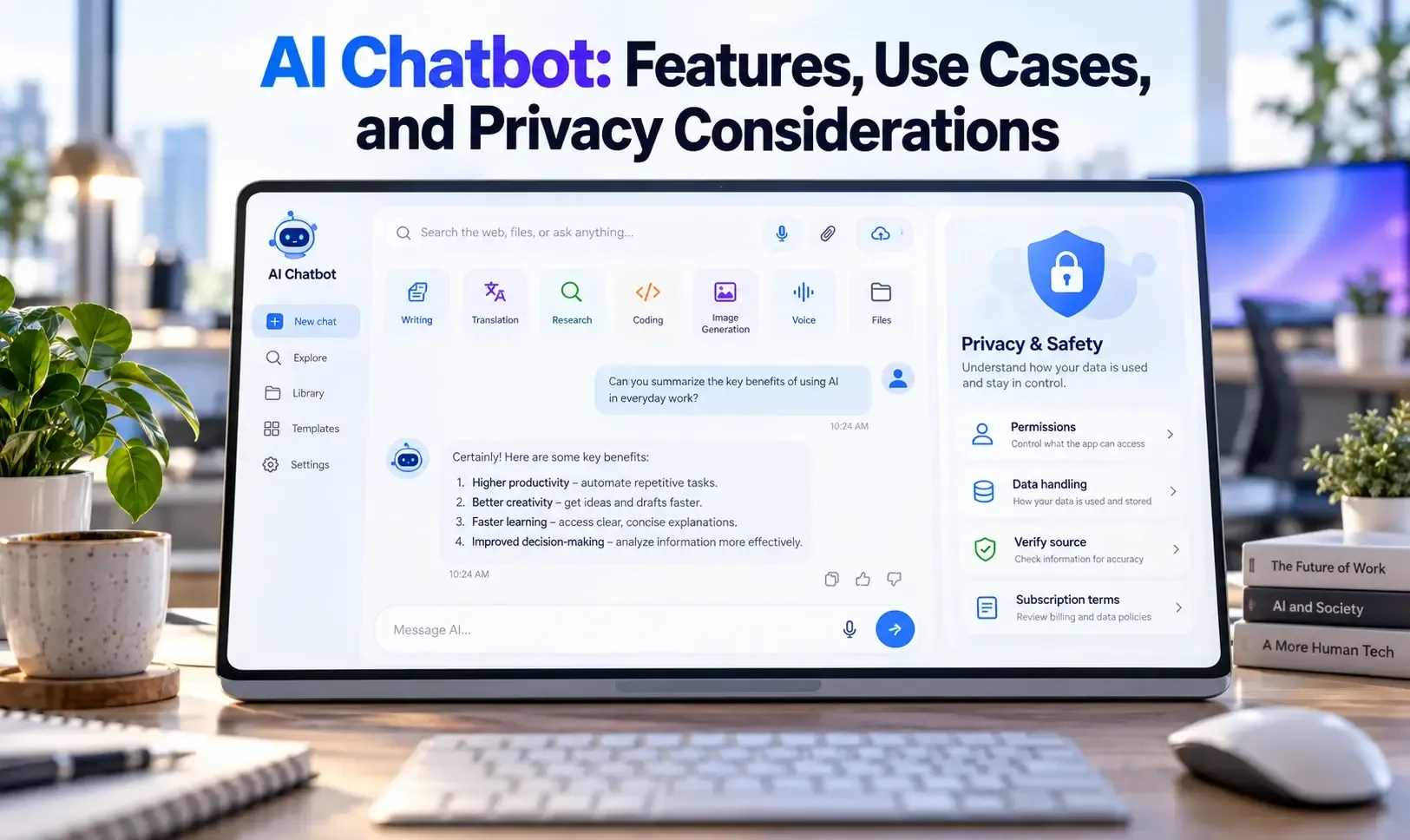
Guide cover: AI Chatbot:  Features, Use Cases, and Privacy Considerations
App guide

AI Chatbot: Features, Use Cases, and Privacy Considerations

AI Chatbot - Nova is a third-party AI assistant designed for conversations, writing, translation, research, coding, image generation, voice interaction, and file-based tasks. This guide explains Nova’s advertised features, practical use cases, strengths, limitations, privacy considerations, and setup process. It also clarifies why Nova should not be confused with official ChatGPT, Gemini, Claude, or other first-party AI applications.

About AI Chatbot - Nova

AI Chatbot - Nova is a conversational AI application developed by ScaleUp. It is designed to provide access to multiple AI-powered tools through one mobile interface. Depending on the account, plan, region, and app version, Nova may offer text chat, voice mode, web search, image generation, document support, translation, writing assistance, coding help, and research features.
Nova is a third-party application. It is not the official ChatGPT app, Google Gemini app, Claude app, or DeepSeek app, even if it provides access to technologies or models associated with other AI companies. Users should verify the developer name, subscription terms, privacy policy, and data-handling practices before entering sensitive information.
Nova’s privacy policy states that its answers are for general informational purposes and should not be considered official or authoritative. AI responses may also be incomplete, inaccurate, or based on outdated information.

Key Features

  • AI chat for general questions and brainstorming
  • Writing, rewriting, proofreading, and tone adjustment
  • Translation and multilingual communication
  • Voice conversations where supported
  • Web search and research tools
  • File and document analysis
  • Image generation
  • Coding assistance and debugging support
  • Homework and study assistance
  • Personalized recommendations for books, films, and other topics

Use Cases

  • Drafting emails, posts, reports, and creative content
  • Rewriting text for clarity or tone
  • Translating short messages
  • Summarizing documents
  • Brainstorming business or content ideas
  • Getting initial coding explanations
  • Exploring a topic before consulting primary sources
  • Having hands-free conversations with an AI assistant
  • Generating rough visual concepts

Pros

  • Combines multiple AI functions in one application
  • Convenient for users who want chat, writing, research, and image tools together
  • Voice mode can make the assistant more accessible
  • File support may be useful for document-based tasks
  • Can help users compare different approaches to a problem
  • Useful for drafts and early-stage idea development

Cons

  • It is a third-party service rather than an official provider app
  • Features and available models may change by plan or app version
  • Subscription pricing and usage limits should be checked carefully
  • AI answers may contain errors or fabricated citations
  • Sensitive documents may be processed by the app or connected providers
  • Generated content may not be suitable for professional use without review
  • Voice, image, and file permissions create additional privacy considerations

How to Use

  1. Download Nova only from a verified app store.
  2. Confirm the developer name and read the current privacy policy.
  3. Review the free features, subscription terms, renewal rules, and usage limits.
  4. Start with a low-risk question or non-sensitive writing task.
  5. Give the app clear context and specify the desired output format.
  6. Upload files only when you understand how the service handles them.
  7. Treat search results and AI-generated citations as starting points.
  8. Verify important information through official or primary sources.
  9. Disable permissions that are not necessary for your intended use.
Nova’s official app listing describes chat, voice mode, web search, file support, image generation, writing assistance, translation, coding, and research features. Its privacy policy also states that the service is not an official or authoritative source.

Apps featured in this guide

back to top